
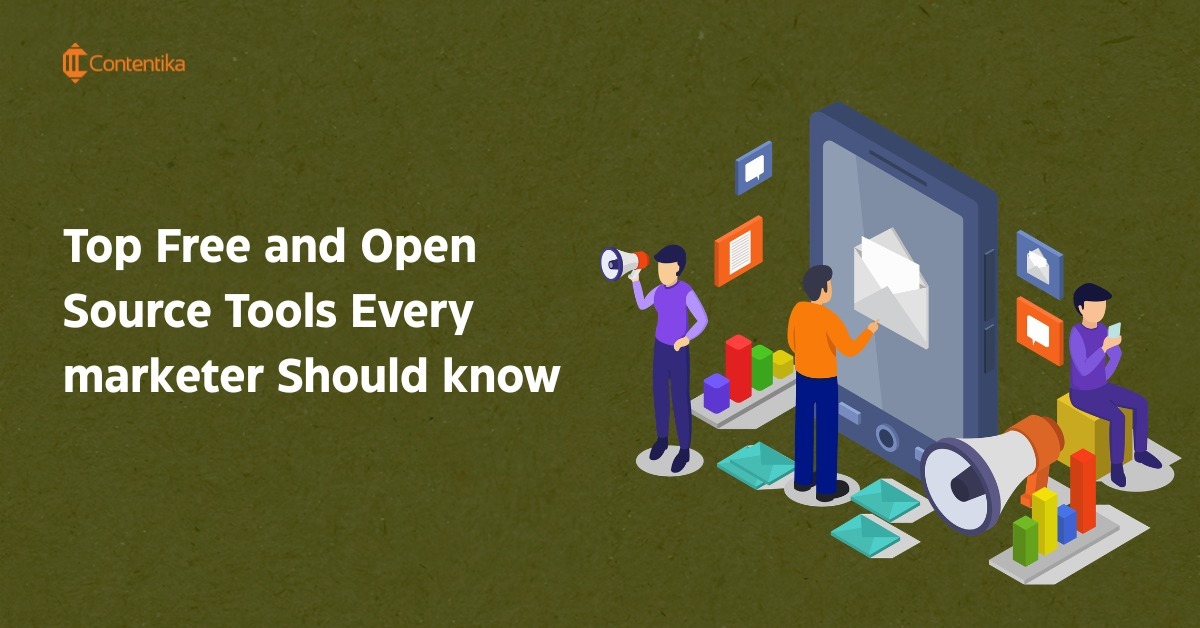
Marketing software adds up fast. Between design platforms, email tools, analytics dashboards, and project trackers, a small team can end up paying for half a dozen subscriptions before testing whether any of them actually fit the workflow. Free and open source tools solve this problem, but only if you know which is which. A tool that offers a generous free plan is not the same as a tool that is genuinely open source, and mixing the two up leads to the wrong expectations about cost, control, and setup.
This guide separates the two categories clearly: six tools that are genuinely open source and can be self hosted, and eight free or freemium tools that are proprietary but strong enough that most small and mid sized teams never need to upgrade. Each entry includes what the tool does, its free versus paid limits, and who it works best for, so you can build a marketing stack around your actual needs rather than a generic top ten list.
What Are the Best Free and Open Source Marketing Tools in 2026?
The right tool depends on what you need to accomplish. Mautic is the strongest choice for marketing automation, Matomo for privacy focused analytics, WordPress for content management, phpList for email marketing, SEO Panel for SEO management, and OpenProject for campaign planning. These are all genuinely open source and self hostable. If you would rather skip setup and hosting entirely, free tools such as Canva, Mailchimp, Ubersuggest, HubSpot CRM, and Screaming Frog offer strong free plans without needing a server.
WordPress and Matomo are the strongest open source picks for teams that want full control over their data. Canva and HubSpot CRM offer the most usable free tiers for teams that want to skip setup entirely.
What Is the Difference Between Open Source and Free Marketing Tools?
Open source software gives you the underlying source code. You can inspect it, modify it, and usually self host it on your own server. That means more control over your data and no vendor deciding what happens to your account, but it also means you are responsible for hosting, updates, and security.
Free or freemium software is proprietary. The vendor owns the code and the infrastructure, and gives you a limited free tier as a way to get you into the product. Setup is faster because there is nothing to host, but you are working within the vendor’s limits, and your data lives on their servers.
A tool like Screaming Frog is a useful example of why this distinction matters. It offers a free version and a paid license, which makes it a free tool, not an open source one. The source code is not available, and you cannot self host or modify it. Grouping it with genuinely open source software like WordPress or Matomo overstates how much control you actually have with it.
Comparison: Open Source vs Free Marketing Tools
| Tool | Category | Open Source? | Self-Hosted? | Best For |
|---|---|---|---|---|
| WordPress | CMS | Yes | Yes | Websites and content |
| Mautic | Marketing automation | Yes | Yes | Campaign automation and lead nurturing |
| Matomo | Analytics | Yes | Yes | Privacy focused analytics |
| phpList | Yes | Yes | Email campaigns | |
| OpenProject | Project management | Yes | Yes | Marketing workflows |
| SEO Panel | SEO | Yes | Yes | SEO management |
| Canva | Design | No | No | Marketing graphics |
| Mailchimp | No | No | Beginner email marketing | |
| Google Analytics | Analytics | No | No | Traffic and conversion tracking |
| Trello | Project management | No | No | Visual task boards |
| Ubersuggest | SEO | No | No | Keyword research |
| HubSpot CRM | CRM | No | No | Contact and pipeline management |
| Hootsuite | Social media | No | No | Post scheduling |
| Screaming Frog | SEO | No | No | Technical SEO audits |
Why Choose Open Source Software for Marketing?
Before getting into individual tools, it is worth being clear about why a marketing team would choose the self hosting route in the first place, since it is not automatically the right call for every team.
- Data ownership. Your customer data, email lists, and analytics stay on infrastructure you control rather than a vendor’s servers.
- No vendor lock in. You are not stuck with a platform’s pricing changes, feature removals, or shutdown risk.
- Privacy and compliance. Self hosted analytics and CRM tools make it easier to meet GDPR and similar regulations, since data never leaves your servers by default.
- Customization. Access to the source code means you can modify the tool to fit your workflow instead of working around the vendor’s limits.
- Cost at scale. Once a list, contact count, or user count grows past what a free SaaS plan allows, hosting costs are usually cheaper than upgrading to a paid tier.
The trade off is technical setup. Self hosting requires a server, some configuration, and ongoing maintenance, which is more work upfront than signing up for a free SaaS account.
Which Open Source Tools Should Marketers Use?
These tools give you the source code, which means no vendor lock in and full control over your data. Most require self hosting, so factor in a small hosting cost even though the software itself is free.
WordPress
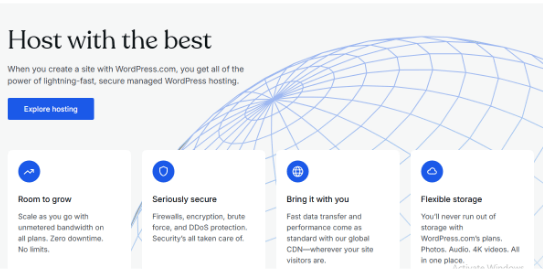
Best for: Building and managing your website Type: Open source Hosting: Self hosted or hosted via WordPress.com Cost: Free software; hosting typically $5 to $10 a month Best feature: A plugin library covering nearly every marketing function Main drawback: Self hosted setups require you to manage updates and security yourself
WordPress is the world’s most widely used content management system, powering an estimated 43% of all websites globally as of 2026, according to W3Techs. It lets marketers build and manage blogs, landing pages, and e-commerce stores without writing code.
You can run it two ways:
- WordPress.org (self-hosted): Free software, but you pay for hosting and a domain, typically $5 to $10 a month.
- WordPress.com (hosted): Free to start, with paid upgrades for custom domains, storage, and advanced features.
WordPress is popular with marketers because of its flexibility, SEO friendly URL structure, and a plugin library that covers analytics, automation, and design with little to no cost. If you want full ownership of your website infrastructure, it is the default starting point.
Mautic
Best for: Marketing automation and lead nurturing Type: Open source Hosting: Self hosted or managed hosting through third party providers Cost: Free software; hosting may cost extra Best feature: Full campaign automation without per-contact SaaS pricing Main drawback: Requires more technical setup than a SaaS automation platform
Mautic describes itself as a free and open source marketing automation suite, and it is the clearest gap in most “open source marketing tools” lists that skip straight from email to CRM without covering automation at all. It handles email automation, lead scoring, audience segmentation, landing pages, and campaign building in one platform, and it integrates with common CRM systems.
Because it is self hosted, you own the contact data and campaign history outright, with no per-contact billing as your list grows. The trade off is setup: getting Mautic running well takes more technical effort than signing into a SaaS automation tool, and larger campaigns benefit from some server tuning. For marketing teams that already have some technical support and want automation without recurring per-contact costs, Mautic is the strongest open source option available.
phpList
Best for: Email newsletters without per-contact pricing Type: Open source Hosting: Self hosted or hosted via phpList.com Cost: Free software; hosting may cost extra Best feature: Full ownership of subscriber data Main drawback: Fewer built-in automation features than Mautic or paid ESPs
phpList is an open source email marketing platform built for sending newsletters, managing subscriber lists, and tracking campaign performance. It works as a free alternative to paid platforms like Mailchimp once your list grows past free-tier limits elsewhere.
Two options are available:
- phpList.org (self-hosted, free): Full control over your subscriber data, but you need your own hosting.
- phpList.com (hosted): Faster setup, with free and paid tiers based on list size and features.
For marketers who want to own their email data outright and avoid per-contact pricing, phpList is a practical fit. If you need marketing automation alongside your email sends, pair it with Mautic rather than trying to stretch phpList past straightforward newsletters.
Also Read: Email Marketing Stats to Improve Your Campaigns [+Free Template]
OpenProject
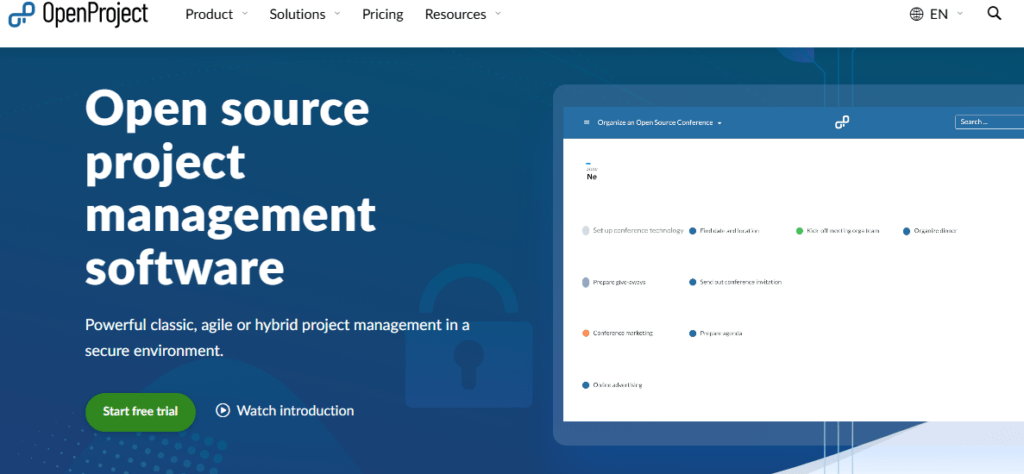
Best for: Planning and tracking marketing campaigns Type: Open source Hosting: Self hosted (Community Edition) or paid Enterprise Edition Cost: Free for Community Edition Best feature: Gantt chart timelines built for campaign planning Main drawback: Less polished interface than paid SaaS project tools
OpenProject is an open source project management tool built for planning, tracking, and collaborating on marketing campaigns. It functions similarly to Trello or Asana, with task boards, Gantt chart timelines, and team collaboration features.
It comes in two editions:
- Community Edition: Free and self-hosted, with all core features included.
- Enterprise Edition: Paid, adding extra security, support, and advanced reporting.
OpenProject gives marketing teams clear visibility into deadlines, task ownership, and campaign timelines, making it a cost-effective alternative to paid SaaS project management tools.
SEO Panel
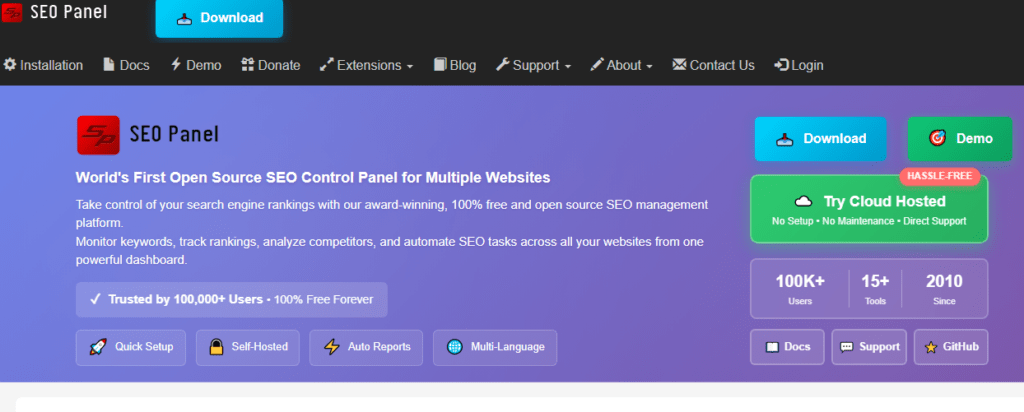
Best for: Ongoing keyword tracking and site audits Type: Open source Hosting: Self hosted Cost: Free Best feature: Built-in rank tracking without a subscription Main drawback: Less refined reporting than paid SEO suites
SEO Panel is an open source SEO management platform for tracking keyword rankings, auditing websites, and monitoring backlinks. It includes built-in tools for site audits, keyword position tracking, and reporting.
It is completely free and self-hosted, with a plugin library that lets you extend functionality as your SEO needs grow. For startups and small teams that want practical SEO insight without a recurring subscription, SEO Panel covers most of the basics.
Matomo
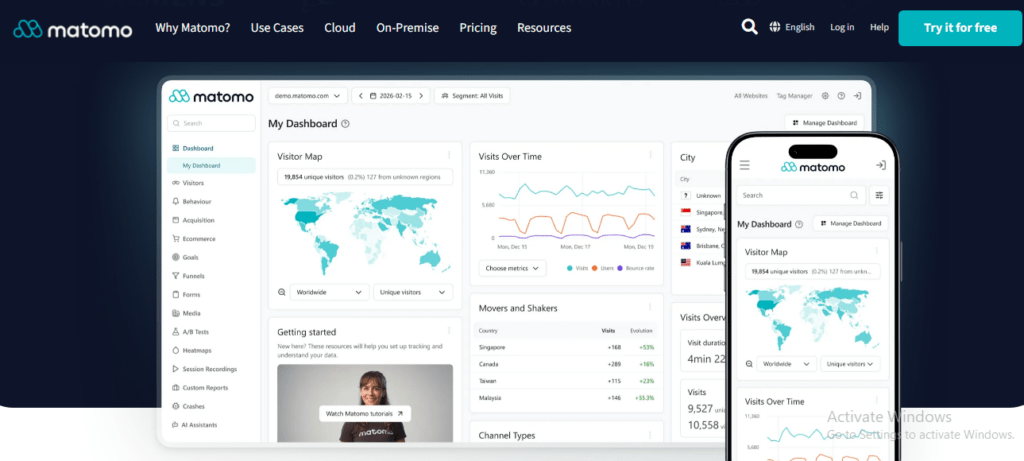
Best for: Privacy focused web analytics Type: Open source Hosting: Self hosted or Matomo Cloud (paid) Cost: Free for self hosted Best feature: GDPR-compliant tracking with full data ownership Main drawback: Self hosted version needs more setup than a SaaS analytics tool
Matomo is an open source web analytics platform and one of the most established privacy-friendly alternatives to Google Analytics. It tracks website traffic, user behavior, and campaign performance while keeping full ownership of your data, which matters for teams navigating GDPR or other privacy regulations.
Two options:
- Self-hosted (free): Install on your own server, full control over data storage.
- Cloud (paid): Matomo hosts it for you, with added support and features.
Matomo includes heatmaps, session recordings, and GDPR-compliant tracking, which makes it a strong fit for any marketer who wants analytics depth without the privacy trade-offs of third-party ad tech.
How Do You Build an Open Source Marketing Stack?
Individually, these tools solve one problem each. Combined, they can replace most of a paid marketing stack. A practical open source flow looks like this:
Website (WordPress) leads to Analytics (Matomo), which leads to SEO management (SEO Panel), which leads to Email and automation (Mautic), which leads to Workflow automation (n8n), which leads to CRM (SuiteCRM or EspoCRM), which leads to Reporting (Metabase)
A few more tools are worth knowing if you want to extend that stack further:
- n8n handles workflow automation, connecting your other tools so data moves between them without manual entry.
- Listmonk is a lightweight, self hosted alternative to phpList for newsletters and transactional email.
- Ghost works well for publishing and newsletters if content is more central to your strategy than a full CMS.
- Strapi is a headless CMS worth considering if your marketing content needs to feed into multiple front ends, like a website and an app.
You do not need every piece of this stack from day one. Start with the tool that solves your most pressing problem, WordPress for a website, Matomo for analytics, or Mautic for automation, and add pieces as the gaps become obvious.
Which Free Marketing Tools Are Worth Using?
These tools are not open source, but their free plans are strong enough that many small and mid sized teams never need to upgrade.
Canva
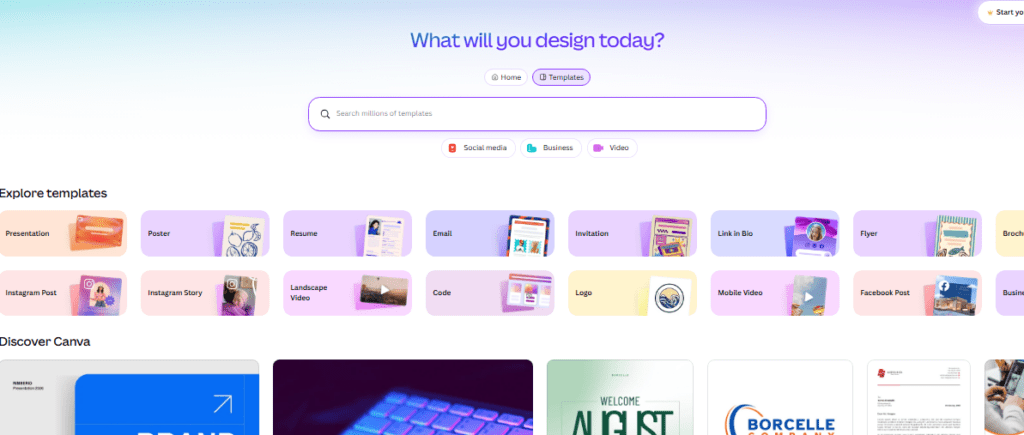
Best for: Design without a dedicated designer Type: Free/freemium (proprietary) Hosting: Cloud-based (SaaS) Cost: Free plan; Canva Pro adds brand kits and premium assets Best feature: Drag-and-drop editor with a large template library Main drawback: Best assets and brand tools are locked behind Pro
Canva is a design platform used across marketing teams to produce graphics, presentations, and social content without design skills. The drag-and-drop editor and template library make it fast to go from blank canvas to finished asset.
The free plan includes thousands of templates, fonts, and stock photos. Canva Pro adds brand kits, premium assets, and team collaboration tools. Canva has also added AI-assisted features like text-to-image generation, which speeds up custom graphic creation for teams without a dedicated designer.
Trello
Best for: Visual task and content calendar tracking Type: Free/freemium (proprietary) Hosting: Cloud-based (SaaS) Cost: Free plan covers up to 10 boards per workspace Best feature: Simple boards, lists, and cards that are easy to scan Main drawback: Automation and dashboard reporting require a paid plan
Trello is a visual project management tool built around boards, lists, and cards. Marketing teams use it to organize content calendars, campaign workflows, and task ownership in a format that is easy to scan at a glance.
The free plan includes unlimited cards and up to 10 boards per workspace, which covers most small to mid sized projects. Paid plans unlock timeline views, dashboard reporting, and automation through Butler. Integrations with Slack, Google Drive, and Zapier make it easy to plug into an existing workflow.
Mailchimp
Best for: Beginner-friendly email marketing Type: Free/freemium (proprietary) Hosting: Cloud-based (SaaS) Cost: Free plan covers up to 500 contacts and 1,000 monthly sends Best feature: Drag-and-drop builder with ready-made templates Main drawback: Costs rise quickly once contact limits are exceeded
Mailchimp is one of the most widely used email marketing platforms, built for growing subscriber lists, sending newsletters, and automating campaigns. Its drag-and-drop builder and templates make it accessible without technical setup.
The free plan covers up to 500 contacts and 1,000 monthly email sends, which suits small businesses and early-stage projects. Paid tiers raise those limits and add advanced automation, analytics, and A/B testing. It integrates with Shopify, WordPress, and Zapier.
Google Analytics
Best for: Traffic and conversion tracking Type: Free/freemium (proprietary) Hosting: Cloud-based (SaaS) Cost: Free Best feature: Deep integration with Google Ads and event tracking Main drawback: Setup and privacy compliance take more care than alternatives
Google Analytics tracks website traffic, user behavior, and conversions, helping marketers understand where visitors come from and how they engage with a site. According to W3Techs, it holds the largest share of the web analytics market of any single platform.
It is completely free, with event tracking, funnel analysis, and direct integration with Google Ads. Setup takes more care than some alternatives, particularly around data privacy compliance, but the depth of insight makes it a near-default choice for most marketing teams.
Ubersuggest
Best for: Basic keyword research and competitor checks Type: Free/freemium (proprietary) Hosting: Cloud-based (SaaS) Cost: Free plan with limited daily searches Best feature: Affordable paid tiers compared to enterprise SEO suites Main drawback: Daily search caps on the free plan
Ubersuggest is an SEO and keyword research tool created by Neil Patel, used for discovering keyword ideas, analyzing competitors, and tracking rankings. It also offers site audits, backlink data, and content suggestions.
The free plan provides a limited number of daily searches, enough for small projects or occasional keyword checks. Paid plans unlock more keyword reports, historical data, and team features, usually at a lower price point than enterprise SEO suites.
Also Read: Why Competitor Analysis Is Critical for Your Marketing Strategy
HubSpot CRM
Best for: A single home for contacts and pipeline data Type: Free/freemium (proprietary) Hosting: Cloud-based (SaaS) Cost: Free CRM with unlimited users and contacts Best feature: Generous free tier compared to most CRM competitors Main drawback: Advanced automation and marketing features sit behind paid plans
HubSpot is an all-in-one marketing, sales, and CRM platform, best known for its free CRM tier. It helps teams manage contacts, track leads, and monitor pipelines, alongside marketing tools for email campaigns, landing pages, and live chat.
The free CRM supports unlimited users and contacts, which is generous compared to most competitors. Paid plans expand into advanced automation, content management, and enterprise sales and marketing features. For teams that want a single home for customer data and campaign activity, HubSpot is a strong starting point.
Hootsuite
Best for: Scheduling and managing multiple social media platforms from one dashboard Type: Proprietary, cloud-based (SaaS) Hosting: Cloud-based (SaaS) Cost: 14-day free trial; paid plans required afterward Free trial: Access to paid features for 14 days Best feature: Manage and schedule content across multiple social channels from one dashboard Main drawback: There is no permanent free plan, so continued use requires a paid subscription
Hootsuite is a social media management platform that helps users schedule posts, monitor engagement, and track social media performance across platforms such as Facebook, Instagram, LinkedIn, TikTok, and X.
Unlike its previous freemium model, Hootsuite currently offers a 14-day free trial rather than a permanent free plan. After the trial, users need a paid subscription to continue using the platform. Its Standard plan allows one user to manage up to 10 social accounts and schedule unlimited posts. Higher-tier plans provide additional users, social accounts, collaboration features, analytics, and other advanced capabilities.
For individuals or teams looking to manage several social channels from a single dashboard, Hootsuite can save significant time. However, it isn’t a suitable choice if you’re specifically looking for a permanently free social media management tool.
Screaming Frog SEO Spider
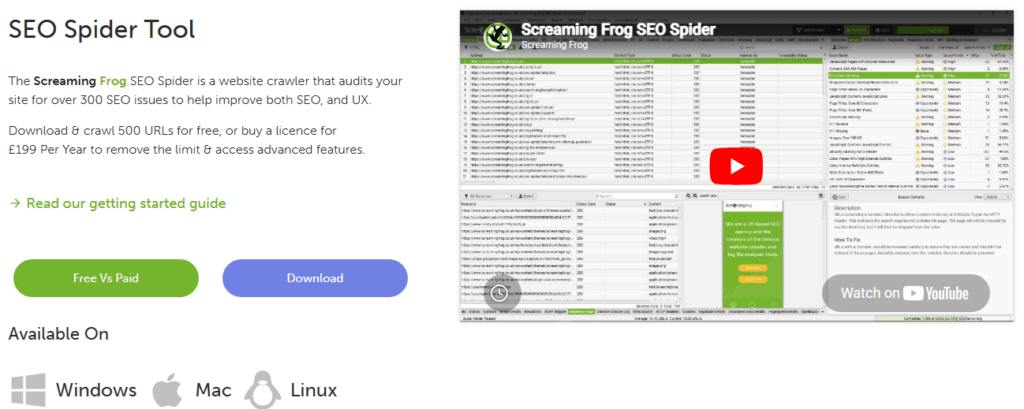
Best for: Technical SEO audits Type: Free/freemium (proprietary, not open source) Hosting: Desktop application Cost: Free version crawls up to 500 URLs; paid license removes the cap Best feature: Crawls a site the way a search engine would Main drawback: Free version’s 500-URL cap is limiting for larger sites
Screaming Frog is a website crawler built for technical SEO audits. It crawls your site the way a search engine would, flagging broken links, duplicate content, missing meta descriptions, and slow-loading pages. It offers a free version and a paid license, which makes it a free tool rather than an open source one, since the source code itself is not available.
The free version crawls up to 500 URLs, which is enough for most small business sites and individual landing pages. The paid license removes the URL cap and adds API integrations and advanced reporting. It is one of the fastest ways to catch technical SEO issues before they affect rankings.
Which Tool Is Best for Each Marketing Task?
| Need | Recommended Tool |
|---|---|
| Marketing automation | Mautic |
| Website or CMS | WordPress |
| Web analytics | Matomo (open source) or Google Analytics (free) |
| Email marketing | phpList or Listmonk (open source), Mailchimp (free) |
| SEO management | SEO Panel (open source) or Ubersuggest (free) |
| Technical SEO audits | Screaming Frog |
| Project management | OpenProject (open source) or Trello (free) |
| Workflow automation | n8n |
| CRM | HubSpot CRM (free) or SuiteCRM/EspoCRM (open source) |
| Design and graphics | Canva |
| Social media scheduling | Hootsuite |
How Do You Choose the Right Tools for Your Marketing Stack?
Free and open source tools often work best in combination rather than alone. Each one solves a specific problem, so the goal is matching tools to needs rather than picking based on price alone.
- Start with your goals. Decide whether you need help with design, analytics, content, email, or project management first.
- Check usability versus setup time. Free apps are usually ready to use immediately. Open source tools may need hosting and configuration but offer more long-term flexibility.
- Plan for growth. Free plans often cap contacts, users, or crawl limits. Open source tools can scale through plugins or hosting upgrades instead of forced plan changes.
- Look for integrations. Tools that connect to each other, through Zapier, native integrations, or shared logins, cut down on manual data entry.
- Pick what your team will actually use. The best tool on paper is not useful if your team avoids it. Adoption matters more than feature count.
What Are Best Practices for Using Free and Open Source Marketing Tools?
- Keep software updated, especially self-hosted tools, for both performance and security.
- Connect tools through integrations to reduce manual, repetitive work.
- Document your workflows so the whole team knows which tool to use and when.
- Train new team members early to drive adoption and reduce inconsistent usage.
- Review your stack every few months, since needs and available tools both change.
Conclusion
Free and open source tools have lowered the barrier to running an effective marketing operation, but only when you know which is which. Genuinely open source platforms like WordPress, Mautic, and Matomo give you full control of your data and no recurring license fee, at the cost of some setup work. Free and freemium tools like Canva, Mailchimp, and HubSpot CRM trade some of that control for speed, letting you get started in minutes.
The right approach is matching tools to your actual workflow, testing before committing, and reviewing your stack as your team and budget grow. Done well, this gives marketers enterprise-level capability without enterprise-level spend.
Frequently Asked Questions
What is the best free alternative to Google Analytics?
Matomo is the strongest free alternative to Google Analytics for marketers who want privacy-first tracking and full ownership of their data. It can be self-hosted at no cost and includes heatmaps, session recordings, and GDPR-compliant tracking.
Is WordPress really free to use?
The WordPress software itself is free under the WordPress.org self-hosted option, but you still need to pay for hosting and a domain, typically $5 to $10 a month. WordPress.com offers a free hosted tier with paid upgrades for additional features.
Can a small marketing team run on free and open source tools alone?
Yes, for early-stage or small teams. A combination like WordPress for the website, Mautic or phpList for email and automation, Canva for design, Trello or OpenProject for project tracking, and Google Analytics or Matomo for measurement covers most core marketing functions without a large software budget.
What is the difference between open source and free tools?
Open source tools, like WordPress, Mautic, Matomo, and OpenProject, give you the underlying source code and usually require self-hosting, which means more control but more setup. Free tools, like Canva, Mailchimp, or Screaming Frog’s free version, are proprietary software with a free tier, offering faster setup but less customization and data control.
Which tool is best for technical SEO audits?
Screaming Frog SEO Spider is the most widely used tool for technical SEO audits. The free version crawls up to 500 URLs and flags broken links, duplicate content, and missing meta descriptions, which covers most small business audit needs. It is a free tool rather than an open source one.
Is there an open source alternative to marketing automation platforms like HubSpot or ActiveCampaign?
Mautic is the closest open source equivalent. It handles email automation, lead scoring, segmentation, and campaign building, and can be self-hosted at no software cost, though hosting and setup take more technical effort than a SaaS platform.